Vi and BSNL International Roaming for OTPs Abroad
Current Vi prepaid and postpaid activation routes, BSNL roaming SIM requirements, dual-SIM settings, and safe troubleshooting for Indian bank OTPs abroad.

Vi says prepaid international roaming is pre-activated in most circles, while postpaid customers should enable it before departure. BSNL prepaid may require a Dual IMSI roaming SIM from a Customer Service Centre plus an active roaming voucher. Confirm the exact destination rules before flying.
Vi and BSNL can both keep an Indian number reachable abroad, but their preparation routes are different. Vi provides app and web activation, and says prepaid roaming is pre-activated in most circles. BSNL prepaid can require a replacement Dual IMSI roaming SIM collected from a Customer Service Centre, followed by a current international roaming voucher.
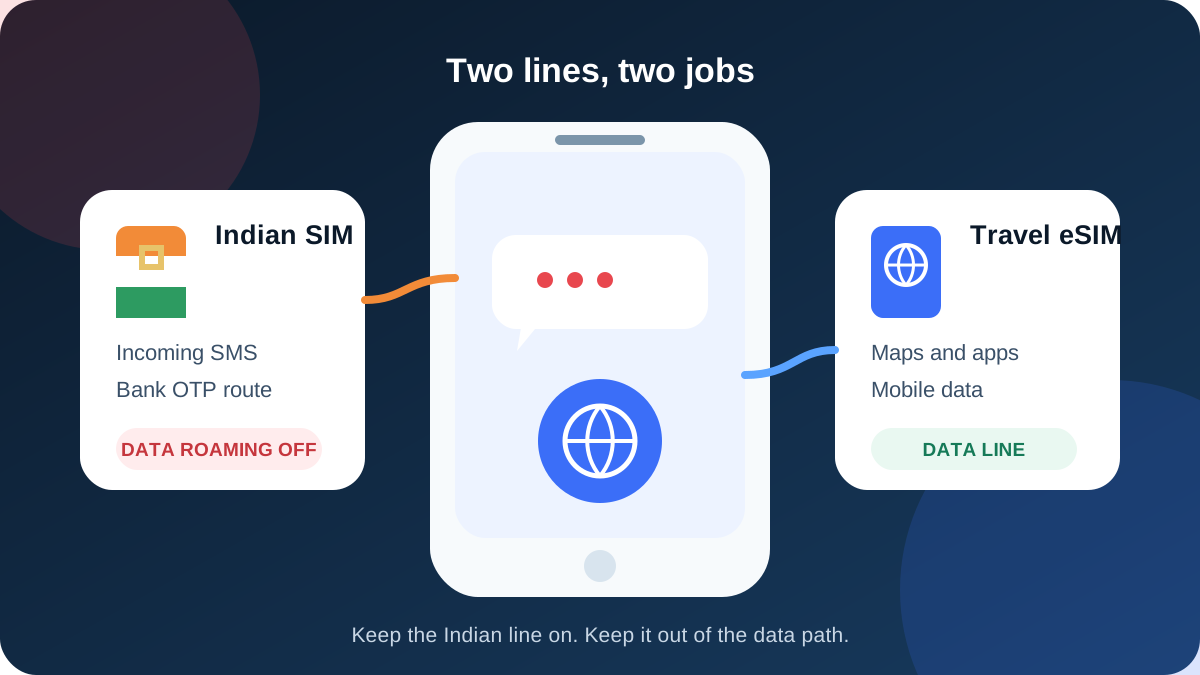
Do not leave either setup for the airport. Check the line while you are in India, save confirmation evidence, and test the travel eSIM separately. The safest dual-SIM arrangement keeps Vi or BSNL enabled for incoming SMS while the TripMojo eSIM handles all mobile data.
Note: Incoming SMS, including OTPs, is free on international roaming with most Indian operators, but roaming has to be enabled before you fly and some prepaid plans need a small activation pack first.
Charges and rules vary by operator, plan type and country. Confirm in your operator's app before departure.
This charging guidance does not guarantee a bank OTP. Delivery still depends on the bank, its SMS gateway, your line's validity, the destination's partner coverage and successful network registration.
Vi prepaid: what is current in September 2026
Vi's current International Roaming page says IR is pre-activated for prepaid customers in most circles. For customers who do need manual activation, the current consumer instruction is ACT IMRS to 199, or activation through the Vi app or website.
Older guidance circulating online still gives ACT IR to 144 for selected eastern circles. That shortcode is not listed on Vi's current public consumer page, so this guide does not recommend it. Use the command and destination flow Vi displays for your number.
| Vi prepaid check | Current public guidance | What to do |
|---|---|---|
| Is IR already active? | Pre-activated in most circles | Verify in the Vi app before departure |
| Manual SMS route | ACT IMRS to 199 for the current general consumer flow | Use only if the app or Vi support confirms it for the number |
| Pack selection | Country and duration dependent | Do not rely on a static price from an article |
| Incoming messages | Requires a valid active line and roaming registration | Keep the Vi line enabled and data roaming off |
Vi also notes special network-registration requirements for some destinations. Its current page tells customers travelling to Australia, the United States or Singapore to ensure IR is active and maintain the minimum condition shown for the line or use an active IR pack. That is another reason to search by destination in the app.
Vi postpaid: activate before departure
Vi's consumer page says postpaid users need to activate the international roaming service before leaving India. The supported routes include the Vi app, Vi website and customer care. A customer can schedule some postpaid packs in advance, but activation timing and cancellation rules depend on the product.
| Vi postpaid choice | What it enables | Billing caution |
|---|---|---|
| IR service without a pack | Network access at standard rates where supported | Calls, data and outgoing SMS may be charged |
| Eligible IR pack | Benefits listed for the selected country and validity | Usage beyond benefits or outside coverage can be charged |
| Travel eSIM plus Vi for SMS | Separate data budget while Vi remains available for messages | Automatic data switching must remain off |
Do not switch Vi data roaming on merely to receive ordinary SMS. Vi's troubleshooting instructions may ask a customer to enable data roaming when the customer intends to use Vi data. An OTP-only setup uses the operator's IR service but keeps the handset's data roaming toggle off for Vi.
BSNL prepaid: check the SIM itself
BSNL is not simply an app toggle for every prepaid customer. Recent BSNL roaming notices say prepaid customers may need to replace an existing prepaid SIM with a Dual IMSI Seamless International Roaming SIM at a Customer Service Centre as a one-time activity. They also identify current international roaming vouchers as part of service activation.
BSNL's public roaming-tips page says to confirm activation with customer service before leaving and warns that international charges can be significantly higher. Country and partner availability should be checked on the BSNL IR portal.
| BSNL item | Why it matters | Evidence to obtain |
|---|---|---|
| SIM type | A domestic prepaid SIM may not be the required Dual IMSI roaming SIM | Customer Service Centre confirmation |
| Identity process | SIM replacement can require in-person account verification | Ask the centre which ID and account documents apply |
| IR voucher | The roaming SIM may still need a current voucher | Recharge confirmation and validity date |
| Destination network | BSNL has country-specific partners and tariffs | Current BSNL country page or support response |
Advice to allow 24 to 48 hours circulates widely, but no current official BSNL source reviewed for this article supports that as a universal processing time. Start several working days early instead, and do not leave the centre until the service status and destination support are clear.
Vi versus BSNL preparation
| Question | Vi | BSNL prepaid |
|---|---|---|
| Can I begin in an app? | Yes, for status, activation and pack selection | Use the app or portal for information, but a centre visit may be required |
| Is a SIM replacement normally required? | No current general requirement | It may be required for the Dual IMSI roaming service |
| Should postpaid IR be activated before departure? | Yes | Confirm the account route directly with BSNL |
| Can I quote one rule for every circle and country? | No | No |
The complete Indian-number OTP guide also covers Airtel and Jio, plus matching phone settings.
Dual-SIM settings for either operator
Keep the Indian line on for network registration, but take it out of the data path.
On iPhone, open Settings, then Cellular or Mobile Service. Choose the Vi or BSNL line, keep the line enabled, and turn Data Roaming off. Return to Cellular Data, choose the TripMojo eSIM and disable Allow Cellular Data Switching.
On Android, open SIM manager, Connections or Mobile networks. Keep both lines on, select the TripMojo eSIM as the preferred data SIM, turn data roaming off for the Indian line, and disable automatic data switching or backup data.
| Phone control | Indian Vi or BSNL line | Travel eSIM |
|---|---|---|
| Enabled | Yes | Yes |
| Incoming SMS | Yes, when the roaming line registers | Not applicable |
| Mobile data | No | Yes |
| Data roaming | Off | Follow the eSIM install instructions |
| Automatic switching | Off | Off |
Many travel eSIMs need their own data roaming toggle on because they use partner networks. That does not mean data roaming should also be enabled for the Indian line. Open each line separately and verify the label before changing a switch.
How to test before boarding
Testing cannot reproduce the foreign network, but it can catch account and phone mistakes.
- Confirm ordinary domestic service and SMS on the Indian line.
- Capture the Vi app status or BSNL support confirmation.
- Verify prepaid service validity or postpaid account health.
- Install the travel eSIM and label both profiles.
- Set the eSIM as the data line and disable automatic switching.
- Take screenshots of both lines' settings.
- Save operator support details offline.
- Enable a bank backup sign-in method where available.
Do not repeatedly trigger sensitive bank OTPs as a test. Use a non-critical message flow where possible and confirm the bank's registered number.
Troubleshooting Vi after landing
If Vi shows no service, connect through Wi-Fi or the travel eSIM and check International Roaming status in the Vi app. Restart the phone and allow automatic network selection. Vi says service activation submitted from abroad can take about 30 minutes and may require a power cycle, but activating in India is still safer.
If automatic registration fails, use Vi's current country guidance before choosing a network manually. Avoid turning on Vi mobile data unless you have intentionally bought a data-inclusive product and understand its rates.
If normal incoming SMS works but one bank's OTP does not, stop changing carrier settings. The bank or its gateway may be the failing link. Use the bank's official resend interval and backup-authentication path.
Troubleshooting BSNL after landing
BSNL's roaming-tips page recommends confirming the roaming function and selecting the international option or partner network when automatic registration fails. Exact menus depend on the SIM toolkit and phone.
Work through these checks:
- confirm the device contains the correct roaming SIM;
- verify the current IR voucher and ordinary service validity;
- restart the phone after landing;
- leave network selection automatic first;
- select only a BSNL-listed partner if manual selection is needed;
- contact BSNL through the saved support route over eSIM data or Wi-Fi.
Do not assume turning on BSNL data will solve incoming SMS. It can instead expose the balance to country-specific roaming charges.
Three costly assumptions to avoid
Vi is pre-activated, so no check is needed
Pre-activated in most circles is not the same as verified for every number and country. Open the app and record the status before departure.
BSNL will work after any online recharge
The SIM profile itself may need replacement. An online voucher cannot change a domestic SIM into the Dual IMSI roaming product described in BSNL notices.
Incoming SMS means every OTP is certain
The operator can provide a roaming message path without controlling the sender. Bank routing, fraud systems and temporary partner-network issues remain outside the phone setting.
The roaming bill-shock checklist covers the phone controls that stop accidental data, calls and outgoing texts.
When to use a travel eSIM
A travel eSIM is data only. It will not take over the Indian number, and it will not receive the bank's ordinary SMS. Its value is cost separation: apps use a prepaid data allowance while the Vi or BSNL line stays on for identity messages.
Use a full Indian-operator roaming pack instead when ordinary cellular voice on the Indian number is essential or when a short current pack is better value for the complete trip. Compare live products on the day of purchase, including data amount, validity, destination coverage and calling benefits.
Pre-departure checklist
- Correct Vi account type or BSNL roaming SIM confirmed.
- Base validity and current IR service verified.
- Destination and partner network supported.
- Activation or voucher confirmation saved.
- Indian line enabled with data roaming off.
- Travel eSIM selected for mobile data.
- Automatic data switching off.
- Operator support and bank backup method stored offline.
The short version
Vi users should verify whether prepaid IR is already active or enable postpaid IR before departure using the current Vi flow. BSNL prepaid users should confirm the physical roaming SIM, voucher and destination support at a Customer Service Centre. For both, keep the Indian line on for messages, keep its data roaming off, and let the travel eSIM carry data.
Data for the trip: TripMojo eSIM from ₹191, your Indian number stays on.
Frequently asked questions
Is Vi international roaming pre-activated for prepaid users?
Vi's current page says prepaid IR is pre-activated in most circles. Verify the actual number in the Vi app because account and destination conditions can differ.
What is the current Vi SMS activation command?
Vi's current general consumer page lists ACT IMRS to 199 for customers who need manual activation. Do not use the older ACT IR to 144 advice without direct Vi confirmation.
Should Vi postpaid roaming be enabled before departure?
Yes. Vi says postpaid customers should activate IR before leaving India through the app, website or support route. Save the confirmation before travel.
Does Vi need data roaming on to receive an OTP?
Ordinary incoming SMS does not require mobile data. Keep operator-level IR active, but turn handset data roaming off for Vi when a travel eSIM carries data.
Does BSNL prepaid require a new SIM for international roaming?
BSNL roaming notices say prepaid customers may need a Dual IMSI Seamless International Roaming SIM from a Customer Service Centre. Confirm the current requirement for the account and destination.
How early should I prepare BSNL international roaming?
No universal official processing time was verified. Start several working days before departure so there is time for a centre visit, SIM replacement, voucher activation and testing.
Can Vi or BSNL guarantee my bank OTP abroad?
No. A correct roaming setup permits incoming SMS, but the bank, SMS gateway, account security and foreign partner network also affect actual delivery.
Can WhatsApp use a travel eSIM while Vi or BSNL stays active?
Yes. WhatsApp can continue using its existing registered number while the phone's internet connection comes from the travel eSIM. Keep the Indian line enabled for ordinary SMS.
Sources
- Vi International Roaming page and FAQs, checked 6 September 2026
- Vi IR activation FAQ, checked 6 September 2026
- BSNL International Roaming tips, checked 6 September 2026
- BSNL prepaid roaming notice for Dual IMSI SIM and voucher, checked 6 September 2026
Written and fact-checked by Tripmojo’s editorial team. Drafted with AI assistance, then reviewed by Simran Raheja before publishing.
Related articles
 Jio International Roaming for OTPs Abroad: 2026 Guide
Current Jio prepaid and postpaid roaming activation steps, incoming SMS rules, safe dual-SIM settings, and fixes when bank OTPs do not arrive abroad.
 How to Get Bank OTPs in Thailand on Your Indian SIM
A short setup guide for keeping an Indian SIM available for bank OTPs in Thailand while a travel eSIM handles affordable mobile data.
 Airtel International Roaming for OTPs: ₹118 Pack Guide
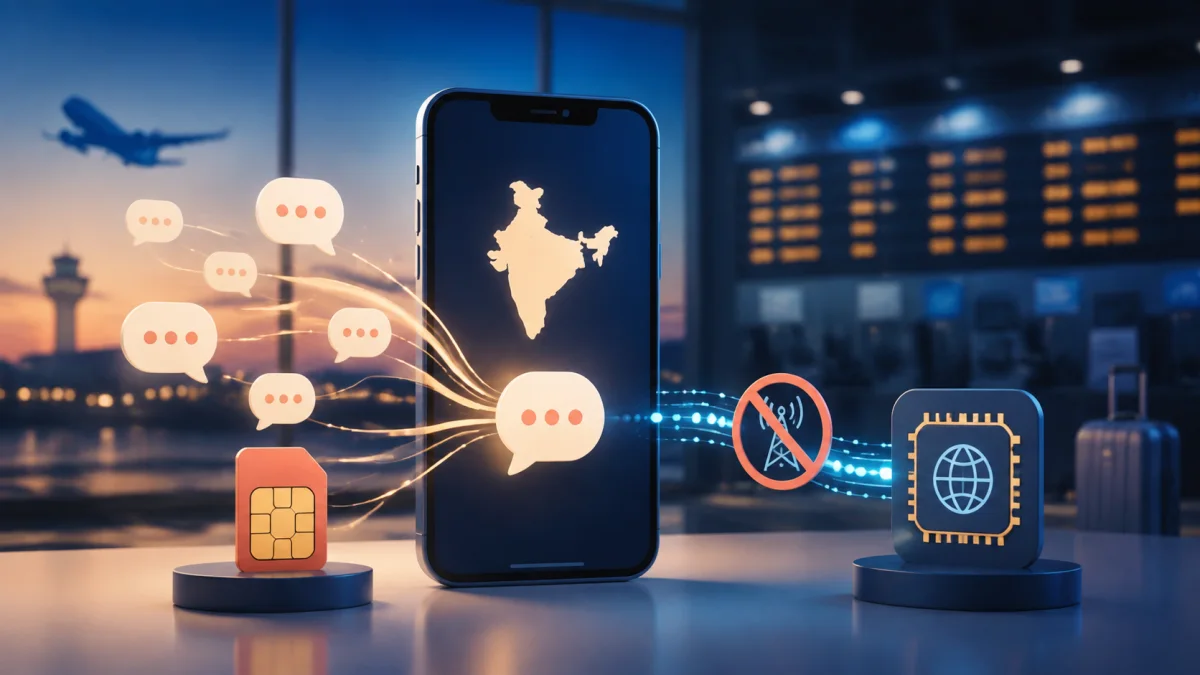
What Airtel's ₹118 prepaid roaming activation does, how to buy it, and which phone settings help you receive OTPs abroad without using roaming data.
 eSIM vs Local SIM vs Roaming - What to Use Abroad
eSIM vs local SIM vs roaming compared with real 2026 prices - cost math by trip length, the bank OTP trap most guides skip, and a pre-flight setup checklist.
 Airtel and Jio Roaming Packs vs Travel eSIM in 2026
An honest 13-destination comparison for Indian travellers, showing when Airtel or Jio roaming can beat an eSIM and when separate travel data costs less.
 Avoid International Roaming Bill Shock from an Indian SIM
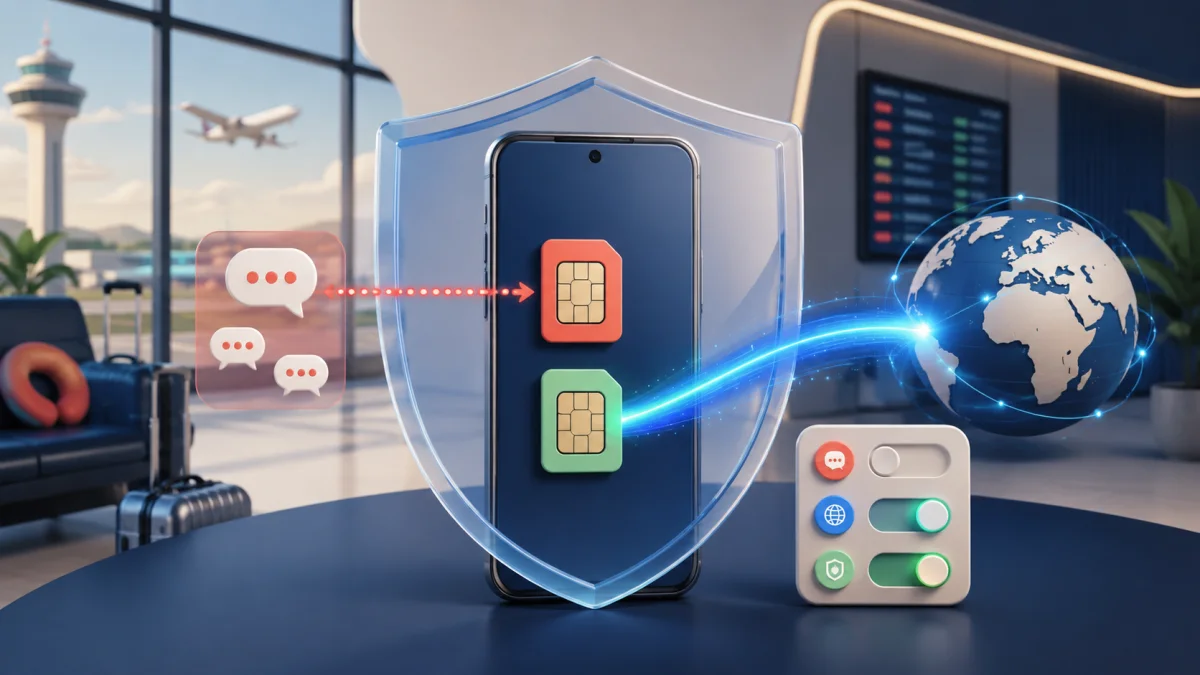
Three phone settings that stop accidental Indian-SIM roaming data, plus a screenshot-ready pre-flight checklist for calls, SMS and dual-SIM travel.